
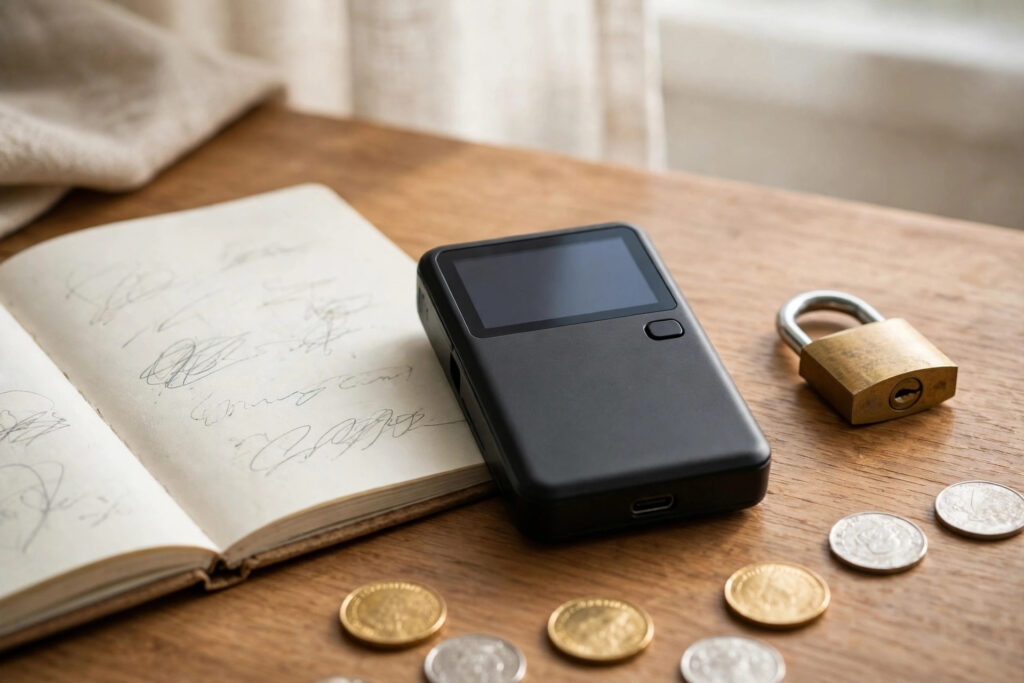
When you buy cryptocurrency, the coins do not sit in your pocket. They live on a blockchain, and what you actually own is a private key — a secret code that proves the coins are yours. If someone steals that key, they can take your crypto. That is why learning how to store crypto safely offline for beginners matters so much: keeping your keys away from the internet is the single best step you can take to protect your investment.
What Does “Offline Storage” Actually Mean?
Offline storage, often called cold storage, means your private keys are never connected to the internet. A crypto exchange account or a phone app wallet is “hot” storage — convenient, but exposed to hacking, phishing and exchange failures. A cold wallet keeps the keys on a device or piece of paper that never touches the web, so remote attackers simply cannot reach them.
For a beginner, offline storage does not have to be complicated or expensive. The goal is a setup you understand and can use without mistakes.
Step 1: Choose a Cold Wallet
The most popular option is a hardware wallet — a small USB-like device that stores your private keys inside a secure chip. Well-known brands include Ledger and Trezor, and prices usually start around $50 to $80. When you want to send crypto, you plug the device in, confirm the transaction on its screen, and unplug it again. The keys never leave the device.
If you are not ready to buy hardware, a paper wallet is a free alternative: your keys printed on paper and stored somewhere safe. It works, but it is easy to lose or damage, and it is awkward to use — so most beginners are better off with a hardware wallet once their holdings grow beyond a small amount.
If you are still choosing your first wallet, our guide to the best crypto wallets for beginners in 2026 explains the main options and what to look for.
Step 2: Buy From the Official Source Only
This step is critical. Buy a hardware wallet only from the manufacturer’s official website or an authorised retailer. A device bought second-hand or from a random marketplace seller could have been tampered with. Never buy a “pre-configured” wallet — a genuine new device always asks you to set it up yourself.
Step 3: Write Down Your Seed Phrase — On Paper
During setup, your wallet will show you a recovery phrase of 12 or 24 words. This is your master backup: anyone with these words can restore your wallet and take your crypto. Write the words down by hand, in order, on paper or a metal backup plate. Do not photograph them, do not save them in a notes app, and never type them into a website or send them to anyone — no genuine support team will ever ask for them.
Store the paper somewhere safe and private, such as a home safe. Many people keep a second copy in a different location, in case of fire or flood.
Step 4: Send a Small Test Amount First
Before moving your whole balance, send a tiny amount to your new wallet and practise sending a little bit back. This confirms you copied the address correctly and that you know how the device works. Crypto transactions cannot be reversed, so a five-minute test can save you from a costly mistake.
Step 5: Keep Most of Your Crypto Offline
A sensible split is to keep a small amount in a hot wallet or on an exchange for everyday use, and the bulk of your holdings in cold storage. Think of it like cash: a little in your wallet for spending, the rest in the bank. Move funds to cold storage regularly as your balance grows.
Common Mistakes to Avoid
- Leaving everything on an exchange. Exchanges can be hacked or shut down. If you do not control the keys, you do not control the coins.
- Storing your seed phrase online. Cloud drives, email drafts and phone photos are all hackable. Paper and metal are not.
- Falling for fake support messages. Scammers pretend to be wallet support on social media and ask for your seed phrase. Real support never does.
- Forgetting your PIN. Your hardware wallet locks after too many wrong PIN attempts. Keep your PIN written down somewhere separate from your seed phrase.
Frequently Asked Questions
Is offline crypto storage really safer?
Yes. Most crypto thefts happen online — through hacked exchanges, phishing sites and malware. Keys stored offline cannot be reached by any of these, which is why cold storage is the standard recommendation for anyone holding crypto long term.
How much crypto should I keep offline?
There is no fixed rule, but a common approach is to keep anything you do not plan to spend or trade soon in cold storage. Even a modest amount is worth protecting if you would be upset to lose it.
What happens if I lose my hardware wallet?
If you still have your seed phrase, you can buy a new device from the same or a compatible brand, enter the phrase, and recover your funds. This is why the seed phrase matters more than the device itself.
Can a hardware wallet be hacked?
No wallet is perfect, but hardware wallets are designed so the private keys never leave the secure chip, even when connected to a compromised computer. Buying from the official source and keeping your firmware updated keeps the risk very low.
Conclusion
Learning how to store crypto safely offline for beginners comes down to a few simple habits: get a hardware wallet from the official source, write your seed phrase on paper and keep it private, test with a small amount first, and keep most of your holdings offline. It takes less than an hour to set up, and it turns your crypto from an easy target into something far harder to steal.